Our service is compatible with any application, and this is the recommendation applications
IPTV Smarters pro is not compatible with Samsung or LG TV, the app you will find in Samsung or LG store is a scam app Check here for LG or Samsung installation
2- Search for “IPTV Smarters PRO” and install it, or go “HERE” and click on Direct Download APK button then install it on your android device.
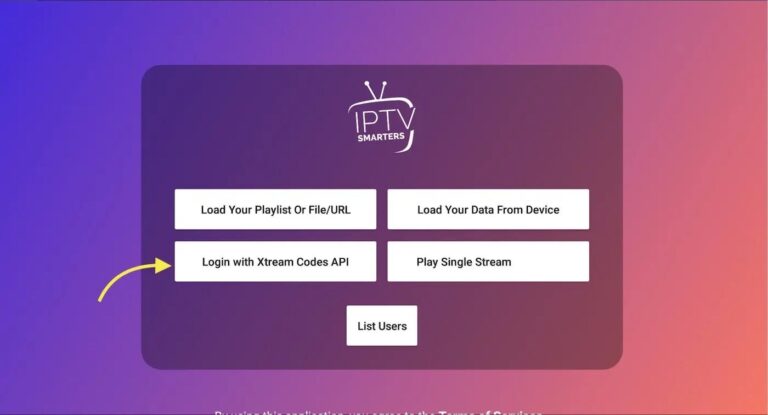
3- Open IPTV Smarters PRO and click Login with Xtream Codes API
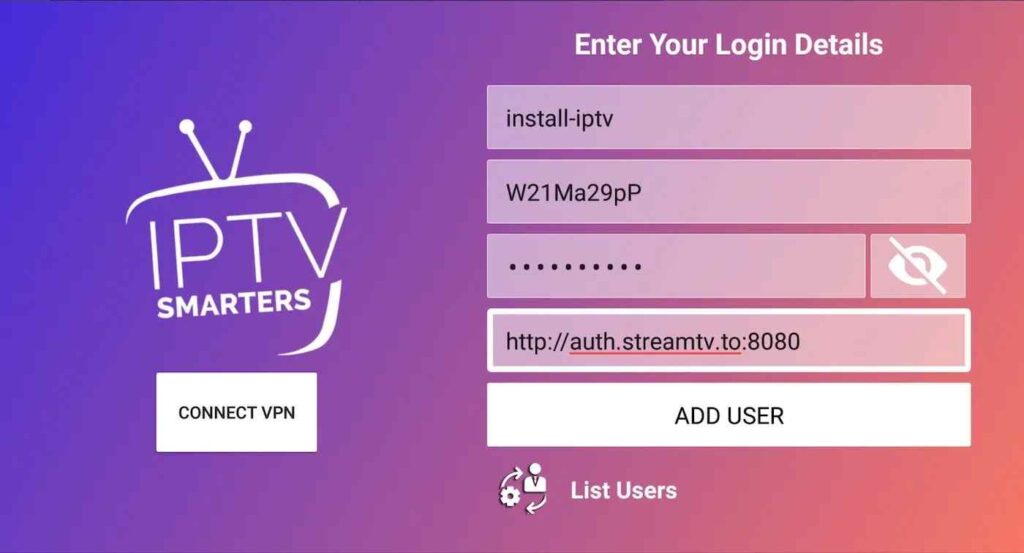
4- Enter Xtream connection details For the first field Choose a name for your list (it can be any name ), Then enter your username, password and URL we provided to you and click ADD USER
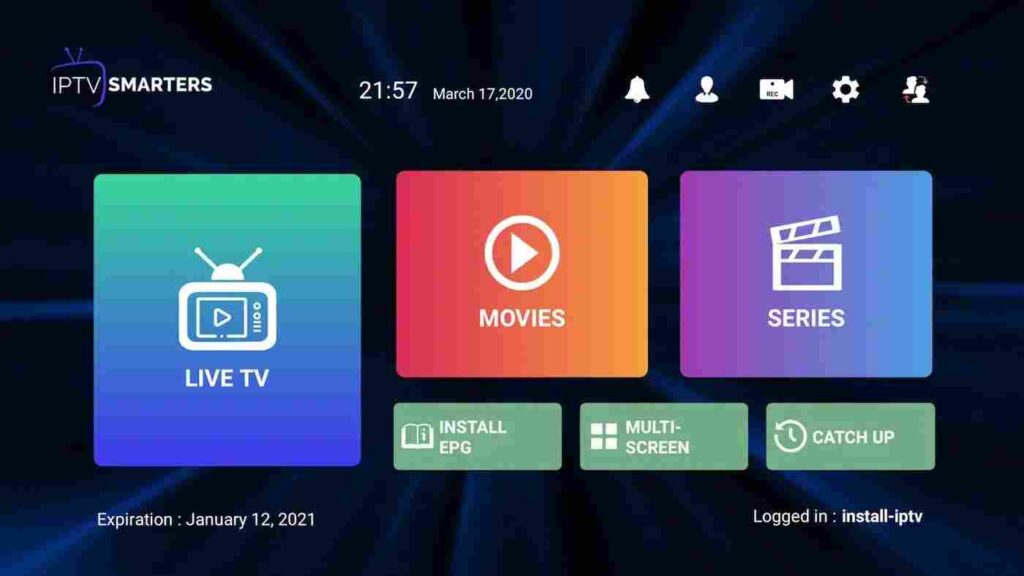
5- It will start downloading channels and VOD about 10 seconds then you will be logged in and you will see this page